Introducing Pryseflow Connect: Seamless Hardware Integration for Everyone
We’re bridging the gap between the web and your physical counter. Meet Pryseflow Connect, the new desktop bridge that powers your printers, scanners, and cash drawers with zero configuration and lightning speed.
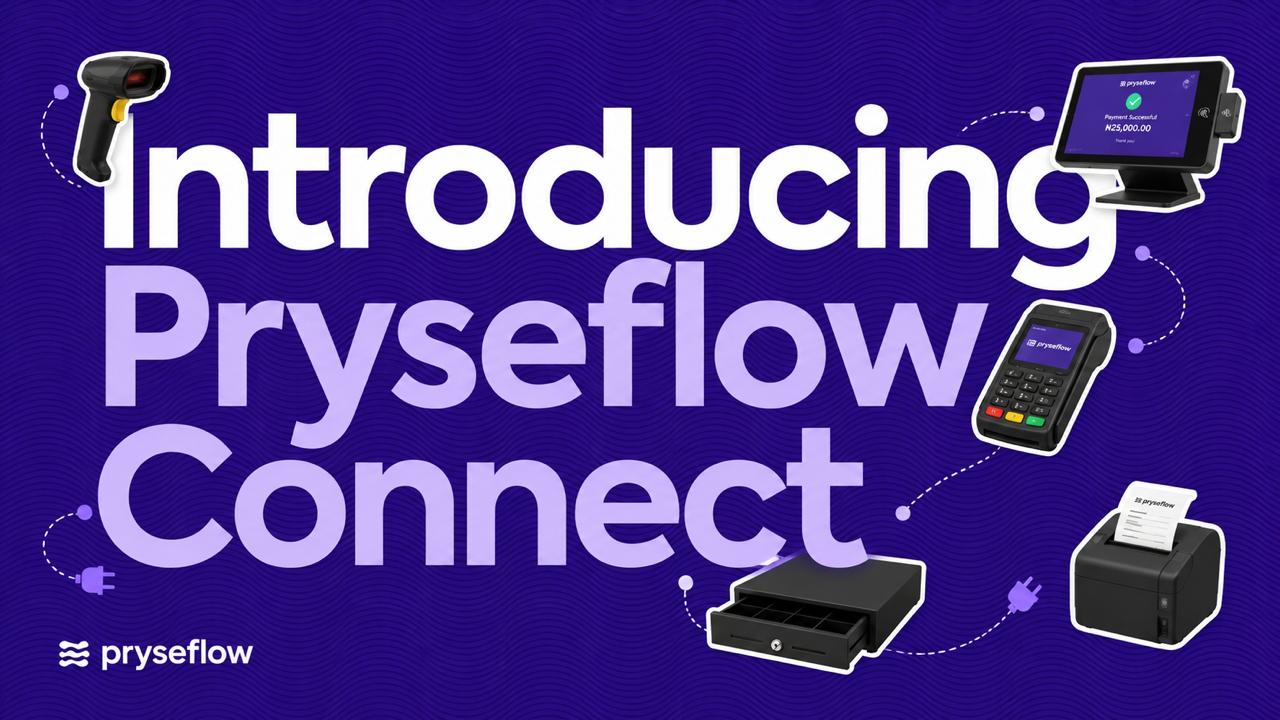
Pryseflow is built to support businesses that operate across web, mobile, point of sale and other connected working environments.
Pryseflow Connect provides a secure way to pair supported devices and operational clients with your Pryseflow business.
Instead of repeatedly entering account credentials into every connected device, Pryseflow Connect uses a controlled pairing process that links the device to the correct company and operating context.
This gives businesses a simpler and more secure way to connect the tools they use to their Pryseflow environment.
What is Pryseflow Connect?
Pryseflow Connect is the connection layer used to securely pair supported devices or applications with a Pryseflow company.
An authorised business owner generates a temporary pairing code from Pryseflow. That code can then be entered on the device or supported client being connected.
Once successfully paired, the device receives the authorised connection it needs to communicate with Pryseflow.
The connection remains subject to the company, permissions and operational context assigned to that device.
1. Simple Device Pairing
Pryseflow Connect removes the need to configure complicated credentials manually.
The normal pairing process uses a 12-character single-use code, displayed in three groups of four characters.
For example:
ABCD-EFGH-JKLM
The pairing code:
Can only be used once
Expires after 15 minutes
Is linked to the selected company
Can also be linked to a specific operating location where required
This helps ensure that the device connects to the correct Pryseflow environment.
The current implementation specifically uses a single-use 12-character code with a 15-minute expiry and company/location binding where applicable. PRYSEFLOW_FEATURE_REFERENCE
2. Company and Location Awareness
A connected device does not automatically gain access to everything in a Pryseflow account.
The connection is created within a specific business context.
This means Pryseflow can understand:
Which company the device belongs to
Which operational location it is associated with, where applicable
Which services the connected client is allowed to use
This is particularly important for businesses operating multiple companies or physical locations.
3. Secure Device Sessions
Once the pairing code is successfully claimed, Pryseflow creates a registered device or operational session.
The code itself is temporary.
The connected device then uses its authorised session when communicating with Pryseflow.
Pairing codes and the credentials created from them should therefore be treated as sensitive account information and should not be shared unnecessarily.
4. Connected Operational Clients
Pryseflow Connect can provide connected clients with the business context and services they are authorised to use.
Supported connected clients can:
Send operational heartbeat information
Retrieve their assigned dashboard or context
Load the available synchronisation information
Access permitted company APIs
Operate within the company and location assigned to them
The current application also includes operational aliases for supported Marketplace Seller and POS environments. PRYSEFLOW_FEATURE_REFERENCE
5. Connecting Pryseflow POS and Operational Devices
Pryseflow Connect is particularly useful where a device needs to operate as part of a business workflow rather than simply as another browser session.
For example, a supported POS or operational client can be paired with the correct Pryseflow company and operating location.
The connected client can then work within the permissions and APIs made available to that environment.
This creates a cleaner separation between:
A person's normal Pryseflow account
The business being operated
The physical or operational device being used
6. Designed for Secure Business Operations
Pryseflow Connect follows the same company-scoped approach used throughout the Pryseflow platform.
Knowing a company or resource identifier does not automatically provide access to business information.
Connected devices remain subject to the relevant authentication, company context and permission controls.
Pryseflow's wider application also enforces company scope and policy checks across connected APIs. PRYSEFLOW_FEATURE_REFERENCE
How Device Pairing Works
The general connection process is:
Sign in to Pryseflow as an authorised business owner.
Open the available Pryseflow Connect or device-pairing area.
Select the company the device should operate under.
Select the relevant operating location where required.
Generate the temporary pairing code.
Enter that code on the supported device or application.
Complete the connection before the code expires.
The device is registered and can begin using the services authorised for that environment.
Because the pairing code expires after 15 minutes and can only be used once, generate it when the device is ready to be connected.
Website-to-App Handoff
Pryseflow also supports controlled handoff between the website and supported applications.
These handoff processes can assist with actions such as:
Login
Registration
Session consumption
Status checks
Logout transitions
These handoffs are short-lived and are not permanent API credentials. PRYSEFLOW_FEATURE_REFERENCE
Common Questions
Is Pryseflow Connect a printer application?
No.
Pryseflow Connect should not currently be described as a general printer-management or silent-printing application.
Its primary role is to securely connect supported devices and operational clients to the correct Pryseflow business environment.
Does the pairing code stay active permanently?
No.
A pairing code is single-use and expires after 15 minutes.
Can a device be connected to a specific location?
Yes, where the connected workflow uses location context.
The pairing process can associate the device with the selected company and relevant location.
Does connecting a device give it access to my entire Pryseflow account?
No.
Connected clients can only use the operational services and company context made available to them.
Can Pryseflow Connect be used with POS?
Yes.
The current Connect layer includes supported operational access for POS-related clients. PRYSEFLOW_FEATURE_REFERENCE
Can I share a pairing code with someone else?
Pairing codes should be treated like temporary credentials.
Only provide the code to the device or authorised person completing the intended connection.
Connect Your Operations to Pryseflow
As a business grows, it may use multiple devices, locations and operational tools.
Pryseflow Connect provides the secure connection layer that allows supported devices to work within the right company environment without weakening the access controls that protect the business.
Generate the code.
Pair the device.
Keep working within one connected Pryseflow operation.
Connect your business. Operate with Pryseflow.