The Ultimate Guide to Warehouse Management with Pryseflow: Mastering Your Inventory
Master the art of inventory control and fulfillment. From organizing your physical space with bin locations to managing multi-warehouse logistics and performing professional stocktakes, this guide provides everything you need to run a world-class warehouse operation.
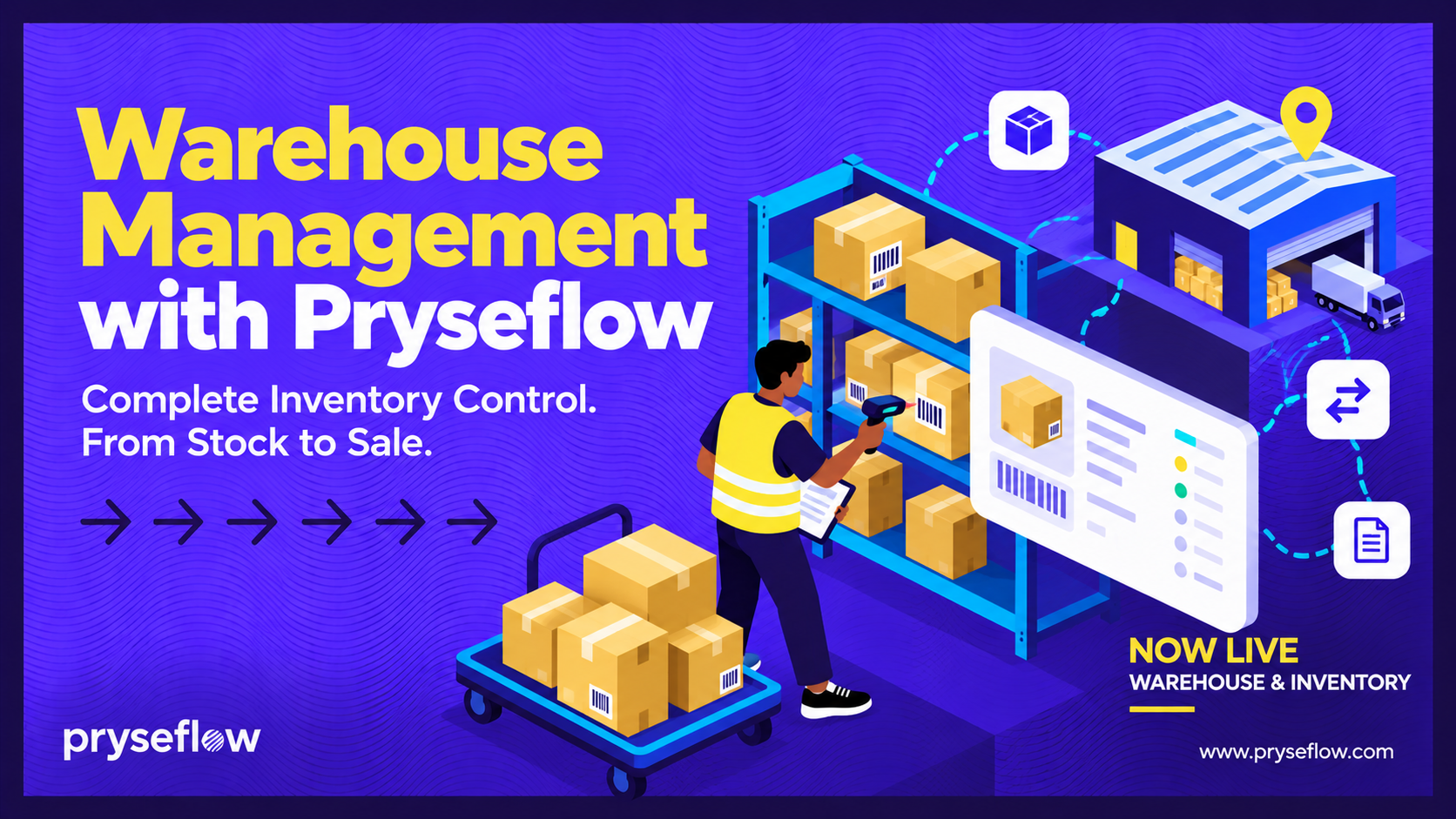
Warehouse and Inventory Management with Pryseflow
Inventory becomes harder to control as a business grows.
More products, more orders, more suppliers and more stock locations can quickly turn a simple spreadsheet into an operational problem.
Pryseflow helps businesses manage warehouses and stock movement within the same environment used for products, purchasing, invoicing, marketplace sales and fulfilment.
The goal is not simply to show how much stock you have.
It is to help you understand where stock is, why it changed and which business activity caused that movement.
1. Create and Manage Warehouses
A warehouse in Pryseflow represents a stock location.
This could be:
A main warehouse
A storeroom
A retail stock location
A fulfilment location
Another operational stock point
Each warehouse can include identifying and address information.
Users can inspect the stock held within a warehouse as well as the wider inventory position across the business.
A warehouse containing positive stock cannot simply be deleted. The stock must first be moved or corrected.
This helps protect inventory records from becoming disconnected from the locations that hold them.
2. Understand Inventory Through Movements
Pryseflow does not treat stock as only a number on a product.
Inventory is explained through a movement ledger.
Stock movements can be created by activities such as:
Purchase-order receipts
Warehouse transfers
Invoice allocation or deduction
Marketplace fulfilment
Stock adjustments
Returns
Pending movements may also appear where an operational workflow has not yet been completed.
When a stock quantity looks unexpected, the inventory movement history should be the first place you look.
It provides the audit trail explaining why the quantity changed.
3. Receive Stock Through Purchase Orders
Purchase orders help businesses manage incoming stock from vendors.
A purchase order can include:
Vendor
Destination warehouse
Order date
Expected date
Products
Quantities
Tax
Totals
Purchase orders can also be shared with vendors through the supported public read-only link and email delivery workflow.
Partial Receiving
You do not need to receive an entire purchase order at once.
Pryseflow supports partial receiving.
When only part of an order arrives, the received quantities can be recorded while the remaining quantities stay outstanding.
The purchase order can then progress from partially received to completed as its items are fulfilled.
For eligible stock-tracked physical products, receiving increases inventory only by the newly received quantity.
This helps prevent the same delivery from being added to stock twice.
4. Transfer Stock Between Warehouses
Businesses operating more than one stock location can transfer inventory between warehouses.
The web transfer workflow checks that:
The source warehouse and destination warehouse are different
Enough stock exists at the source
The transfer quantity is valid
The movement is applied as a controlled inventory operation rather than manually changing the quantity at each location.
Dispatch and Receiving Workflows
Supported native workflows go further by allowing transfers to move through stages such as:
Dispatch
In transit
Partially received
Received
Receipt can also be restricted to the location associated with the receiving device where that workflow is used.
Version and duplicate-protection controls help prevent stale or repeated operations from corrupting stock records.
5. Record Stock Adjustments
Sometimes inventory needs to be corrected outside a normal purchase, sale or transfer.
Pryseflow supports stock adjustments and returns.
An adjustment can record information such as:
Warehouse
Product
Quantity
Direction
Customer where relevant
Date
Reason
Source
Stock adjustments are treated as operational evidence.
Instead of silently changing an old movement, the safer approach is to create a correcting entry so that the history remains understandable.
6. Connect Inventory to Sales
Pryseflow inventory works with the wider sales environment.
For stock-tracked physical products, inventory can be affected by supported invoice and marketplace workflows.
Invoice items can reserve or deduct stock from the selected warehouse when the relevant workflow rule is reached.
Marketplace checkout also validates availability, and fulfilment generates its own stock reservation or deduction movements.
Service products do not create physical stock movements.
This distinction is important when reviewing inventory.
7. Keep Marketplace Stock Accurate
Marketplace shoppers should not be able to purchase stock that the business cannot fulfil.
During checkout, Pryseflow validates current stock together with other order information such as price, options, address, tax and shipping.
Marketplace fulfilment then works with the inventory system as the order moves through its operational states.
This keeps marketplace activity connected to the business's actual stock records.
8. Use Barcodes for Product Identification
Pryseflow products support barcode information.
EAN-13 barcodes are validated, and Pryseflow can generate a barcode where appropriate.
Barcode functionality also supports operational workflows such as POS product lookup and scanning in supported clients.
Native POS clients can resolve products through SKU or barcode scans and maintain scanner settings.
This can help businesses identify products more quickly and consistently.
9. Manage Product Packs
Pryseflow supports product packs.
A product pack defines an alternate sellable or operational quantity in relation to a base product.
This can be used to represent arrangements such as:
Cases
Packs
Alternate stock units
Grouped quantities
The pack remains connected to its underlying base inventory relationship.
This is useful where stock is purchased, stored or sold in different quantities.
10. Connect Warehousing with the Rest of the Business
Warehouse management becomes more useful when it is not isolated from everything else.
Pryseflow connects inventory activity with areas such as:
Products
Vendors
Purchase orders
Invoices
Marketplace orders
POS
Returns
Stock adjustments
Reporting
This creates a clearer operational history than managing warehouse quantities in one system and sales in another.
11. Use Reporting to Monitor Warehouse Activity
Warehouse information forms part of Pryseflow's operational reporting environment.
Operational report areas include:
Customers
Vendors
Products
Marketplace
Warehouse
Point of sale
Staff
Owners can also compare eligible companies where supported by the reporting view.
Reports provide summaries, while the underlying stock movements remain the source records for investigating individual inventory changes.
Common Questions
Can Pryseflow manage more than one warehouse?
Yes.
A business can create multiple warehouses and manage stock across those locations.
Can I transfer stock between warehouses?
Yes.
Pryseflow supports controlled warehouse transfers, including more detailed dispatch and receiving workflows in supported native operations.
Can I receive only part of a purchase order?
Yes.
Purchase orders support partial receiving. Inventory increases only for the eligible quantity actually received.
Can I correct incorrect stock?
Yes.
Pryseflow supports stock adjustments and returns so corrections can be recorded with an operational history.
Does Pryseflow support barcodes?
Yes.
Products support barcode information, including EAN-13 validation and barcode generation where appropriate.
Barcode scanning is also supported in relevant POS and operational workflows.
Does Pryseflow support bin locations?
The current implementation reference does not confirm aisle, shelf or bin-location management.
I would not publish that feature until it appears in the current released product.
Does Pryseflow support blind stocktakes or cycle counting?
The source confirms stock adjustments, movements and returns, but does not document a dedicated blind-count or cycle-counting module.
Those claims should therefore be removed from the Base article.
Does Pryseflow automatically create courier labels when I ship an order?
Pryseflow supports shipping methods and live carrier rates through configured providers such as The Courier Guy and Bob Go, but the current implementation reference does not confirm automatic waybill or shipping-label generation as a general feature.
Build Better Inventory Control
Good inventory management is not simply knowing how many units are currently on the shelf.
It is knowing:
what came in, what went out, where it moved and why.
Pryseflow gives businesses a connected inventory foundation across warehouses, purchasing, sales, Marketplace activity, transfers, returns and reporting.
As the business grows, that operational history becomes increasingly valuable.
Receive. Move. Track. Control your inventory with Pryseflow.
This is a how-to, not a product page. The matching product page is inventory management.